


Sanity × Nuxt UI

Build pages from blocks, without touching code

Editors arrange heroes, features, pricing and FAQs in Sanity Studio. Nuxt UI renders every block as an accessible, responsive component.
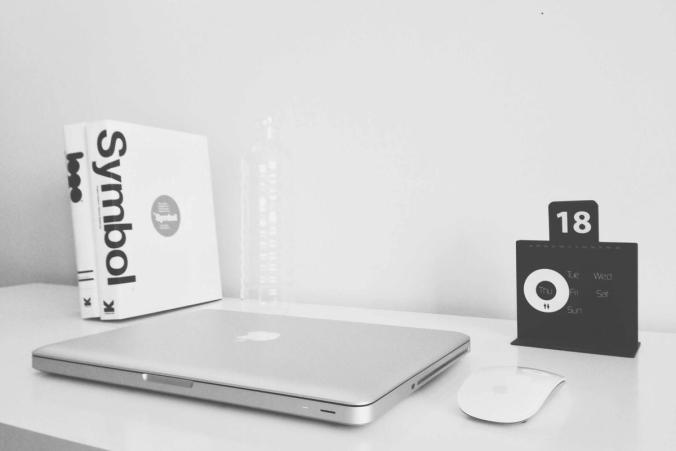
Person working on a laptop

Built with

03Features

One block in Sanity, one component in Nuxt

Every block has its own schema and maps to a Nuxt UI component through a typed registry.
  • 13 ready-made blocks
    Hero, features, cards, timeline, gallery, pricing, FAQ, collection lists and more.
  • Type-safe
    TypeGen generates types from your schema and GROQ queries.
  • Visual Editing
    Click text in the preview to open its field in Studio.
  • Dark mode
    Semantic Nuxt UI colors adapt to the theme automatically.
  • Responsive images
    srcset from the Sanity image CDN, with hotspot and crop.
  • SEO built in
    Sitemap, robots, social images and schema.org via Nuxt SEO.
04Content types

Pages and collections

Flexible pages for one-off layouts, collections for everything that repeats. Editors can create new collections in the Studio.
Pages
Compose any layout from blocks. The page with slug "home" is your homepage.
Blog
A collection with the blog layout: dates, authors, tags and related posts.
Projects
A collection with the cards layout, manual order and key details per project.
Gallery
A collection with the gallery layout. Upload photos in bulk and get a lightbox.
05Work

Selected projects

Northwind rebrand
A new identity and a block-based marketing site that the in-house team now updates on their own.
brandingwebsite
Photo by Joseph Barrientos
Field notes app
An offline-first notebook for researchers, with structured content synced to Sanity.
appcontent-model
Photo by Nadir Balcikli
Harbor photo archive
Ten thousand historical photos, tagged and searchable, with a public gallery built from collections.
archivewebsite
Photo by Jay Ruzesky
06Blog

Latest posts

This block always shows the newest entries of a collection.
Laptop and notebook on a desk
guide

Create a new section without code

Blog, Gallery and Projects are all collections. Editors can add new ones, such as Services or Team, straight from the Studio.
AM

Ada Morgan

Editor

Laptop on a desk
guide

Getting started with Sanity × Nuxt UI

Connect the template to your Sanity project, import the example content and run Studio and the site side by side.
AM

Ada Morgan

Editor

Person working on a laptop
guide

How to add a new block

Any Nuxt UI component can become a block. It takes a schema, one Vue component and one line in the registry.
LH

Leo Hart

Frontend Engineer

08Testimonials

What people say

Our content team now ships landing pages on their own. Developers only add a block when a new layout is needed.
MC

Maya Chen

Head of Content

Generated types mean a schema change shows up as a type error in the component, not a bug in production.
TB

Tom Becker

Frontend Engineer

The live preview in Presentation saves us a lot of back and forth.
SL

Sara Lind

Product Designer

09FAQ

Frequently asked questions

Ready to build your first page?

Open Studio, create a page and start adding blocks.